
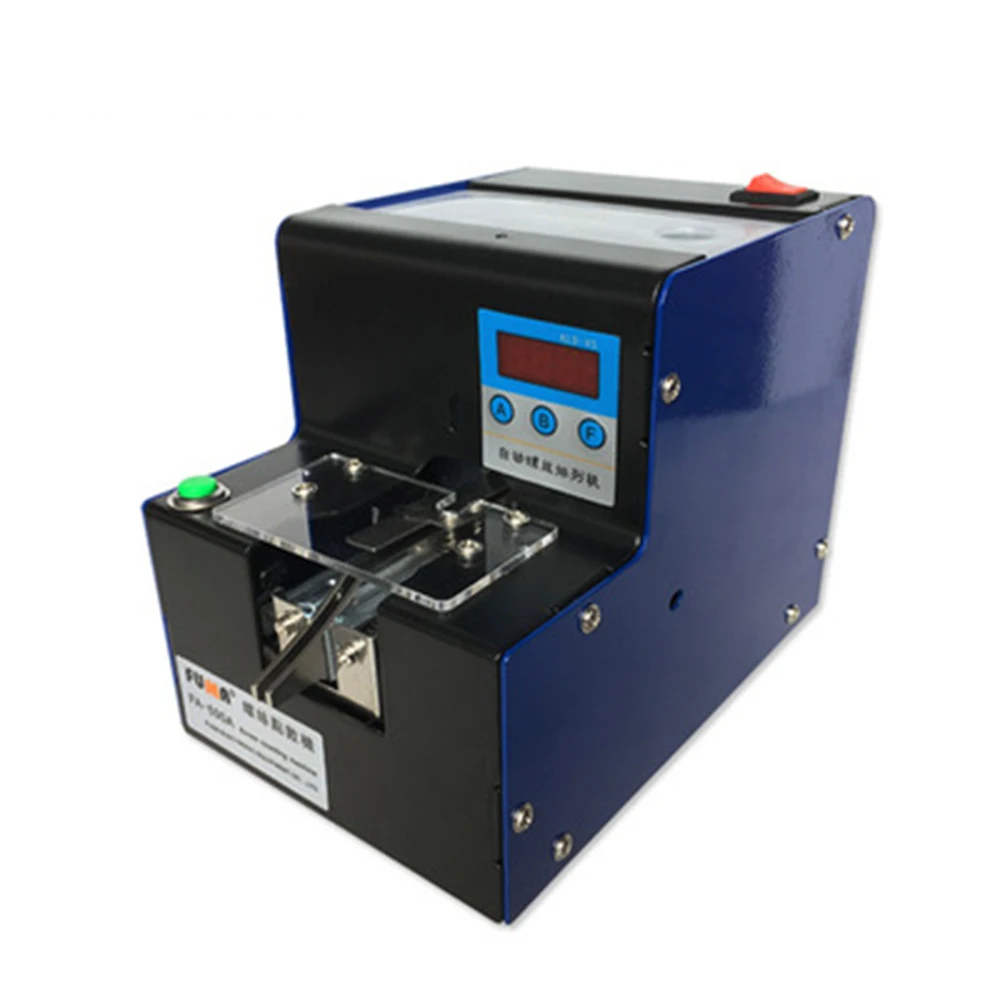
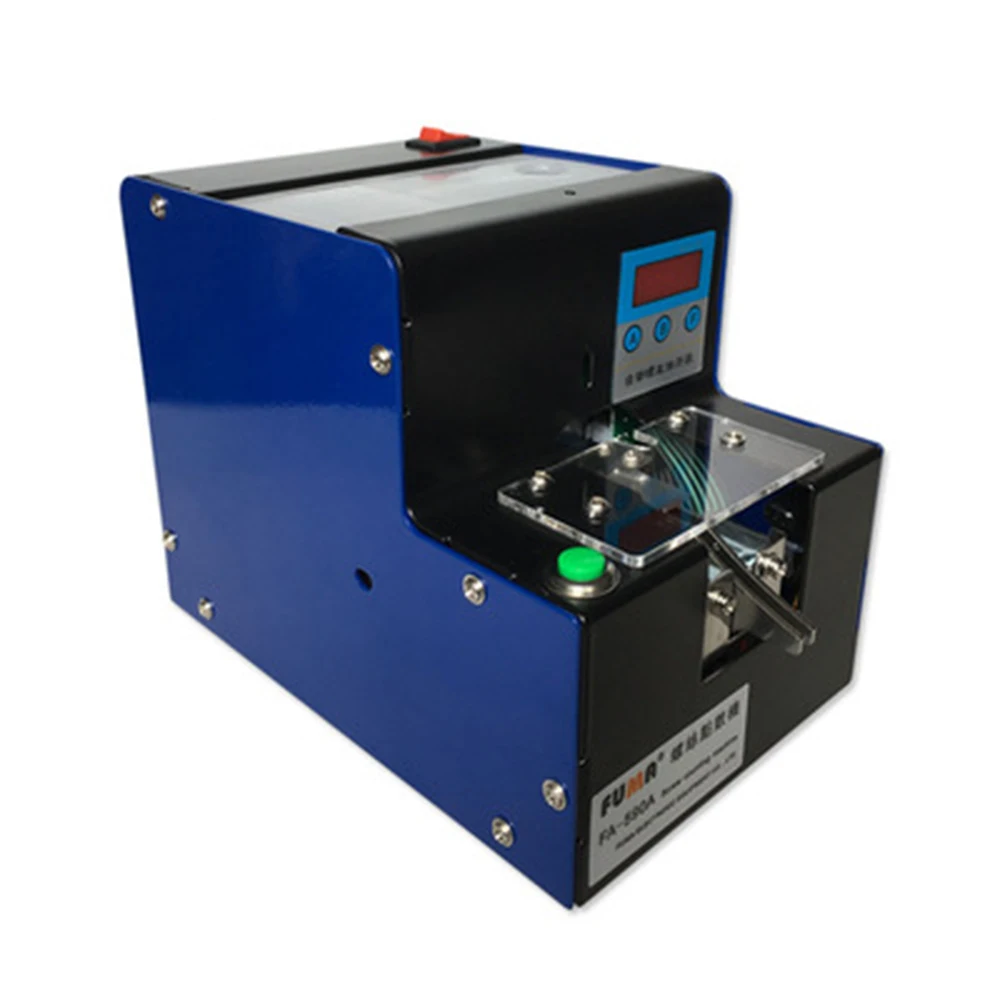
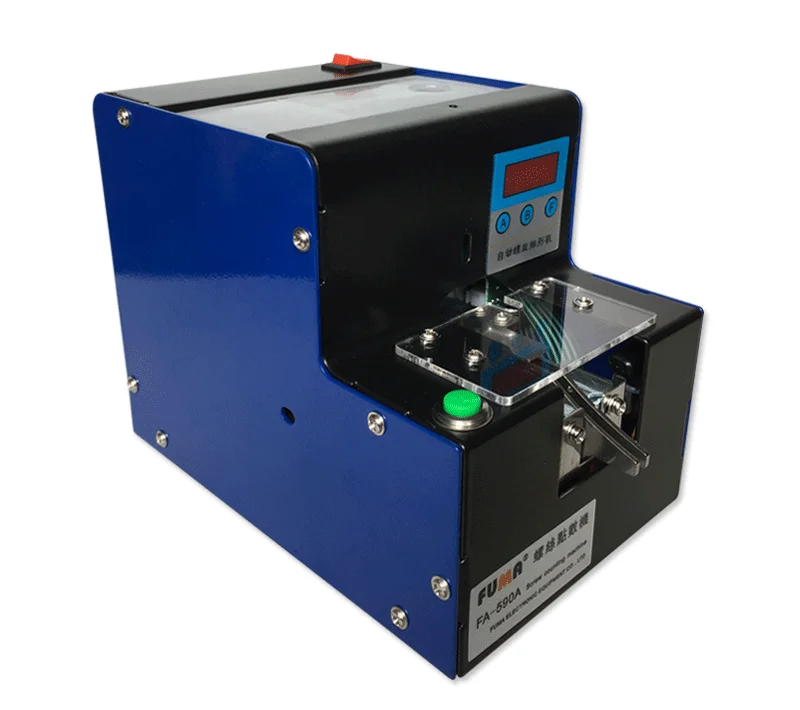
Гидротермический синтезирующий резервуар для автоклава реактора + Входное
19514


Новое поступление

Магазина Luminous TECH Store работает с 30.06.2020. его рейтинг составлет 87.12 баллов из 100. В избранное добавили 300 покупателя. Средний рейтинг торваров продавца 4.4 в продаже представленно 1936 наименований товаров, успешно доставлено 298 заказов. 163 покупателей оставили отзывы о продавце.
Характеристики
*Текущая стоимость 11217.61 уже могла изменится. Что бы узнать актуальную цену и проверить наличие товара, нажмите "Добавить в корзину"
| Месяц | Минимальная цена | Макс. стоимость | Цена |
|---|---|---|---|
| Feb-21-2026 | 14246.40 руб. | 14531.85 руб. | 14388.5 руб. |
| Jan-21-2026 | 11554.68 руб. | 11785.57 руб. | 11669.5 руб. |
| Dec-21-2025 | 14021.62 руб. | 14301.52 руб. | 14161 руб. |
| Nov-21-2025 | 13909.78 руб. | 14187.58 руб. | 14048 руб. |
| Oct-21-2025 | 11105.93 руб. | 11327.13 руб. | 11216 руб. |
| Sep-21-2025 | 13685.39 руб. | 13959.79 руб. | 13822 руб. |
| Aug-21-2025 | 13573.24 руб. | 13844.3 руб. | 13708.5 руб. |
| Jul-21-2025 | 13460.66 руб. | 13729.39 руб. | 13594.5 руб. |
Описание товара


Product parameters
Model: FA-590A
Scope of application: suitable for a variety of models (maximum L = 20mm)
Applicable screws: screw diameter 1.0-5. Omm (adjustable)
Output speed: 2 / sec
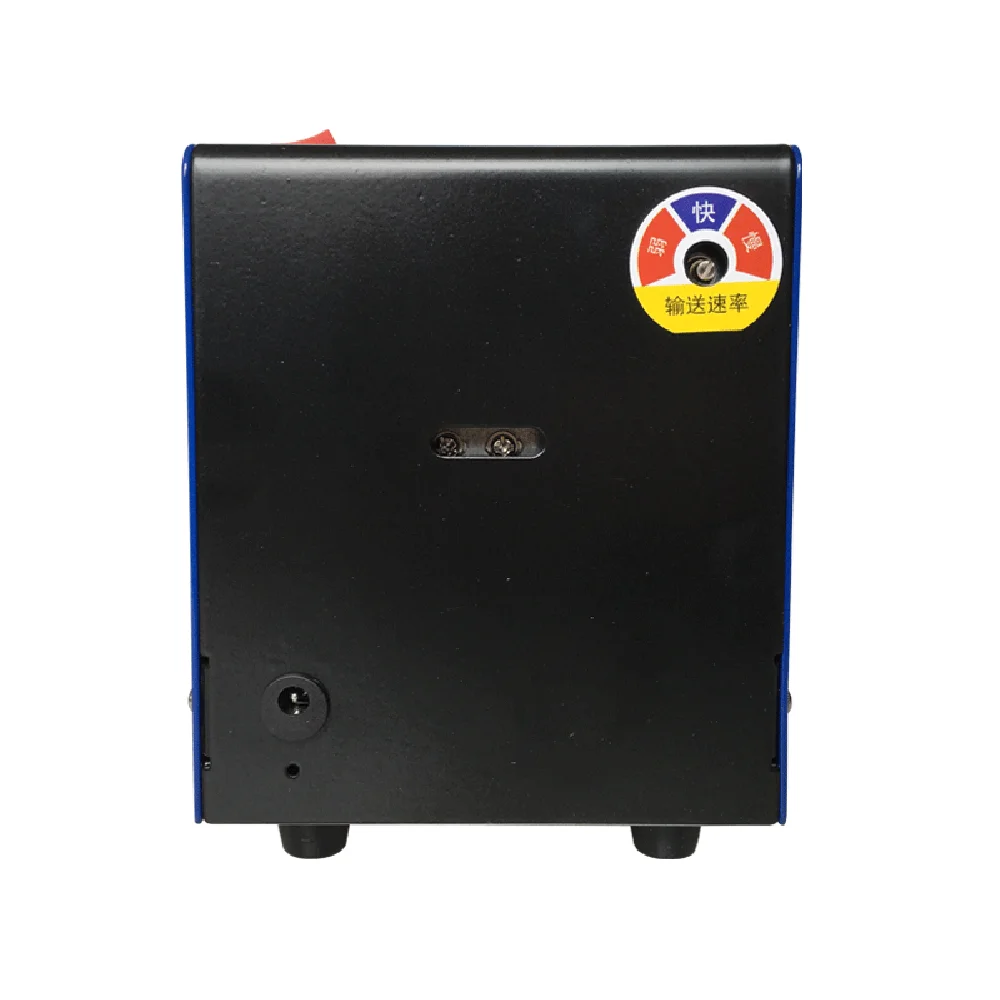
Input voltage: AC110-220V
Net weight: 3.3kg
Screw capacity: [M1: about 1500] [M2: about 1000] [M3: about 600] [M4: about 300] [M5: 200]
Screw point machine features:
1. Quantity 0--9999 can be set arbitrarily
2. With high precision counter
3. Wide range of applications, adjustable track 1.0-5.0 size
4. Simple and lightweight, can work on the table
5. Convenient and fast, the discharge speed is about 90PCS/min
Rated parameters:
Dimensions: 125W*180H*150Dmm
Net weight: about 3.3kg
Power supply: DC12V/2A
Screw length: less than or equal to 20mm
Track width: M1-M5
Screw head: suitable for all kinds of screws with nuts
A few meters of screws and screws without nuts can not be used.
Counting screw machine mode setting
Manual mode setting:
1. Select the manual mode: In the off state, press and hold the B button, then press the power button to turn on the machine, display E000 (manual reset mode), then press the A button to switch to E001 (automatic reset mode), press the A button to cycle through the manual mode. And automatic mode
Finally press the F key to confirm the save and exit.
2. Set the number: When the power is on, press and hold the A button (press and hold), it will start counting down. After the beep, loose A key, display d010 (factory default setting 10), press A key to proceed Add processing, press B key to perform subtraction processing. After setting it up, press F to confirm saving and exit.
Automatic mode setting:
1. Select the automatic mode: In the off state, press and hold the B button, then press the power button to turn on the power to display E001 (automatic reset mode). If it is not E001, you can press the A button to switch to E001. It is best to press F to confirm saving and exit.
2. Delay setting: When the power is on, press and hold the B button (press and hold), it will start counting down. After the beep, loose B button, display FFO3 (factory default is 3 seconds delay), press A Press the key to perform the addition process and press the B key to perform the subtraction process. After setting it properly, press the - - down F key to confirm the save and exit.
3. Fixed setting: When the power is on, press and hold the A button (press and hold), it will start counting down. After the beep, the loose A button will display d010 (the factory default setting is 10), press the A button to add Processing, press the B button to perform subtraction processing. After setting it up, it is best to press F to confirm saving and exit.


Смотрите так же другие товары:

