


Новое поступление

Светодиодный RGB-контроллер DC 9 В DMX512 170 пикселей | Лампы и освещение

3 м 30LED медный провод рождественские вечерние гирлянды Сказочный светильник на

220V DMX512 RGB LED CONTROLLER for led neon flex Russia popular | Лампы и освещение
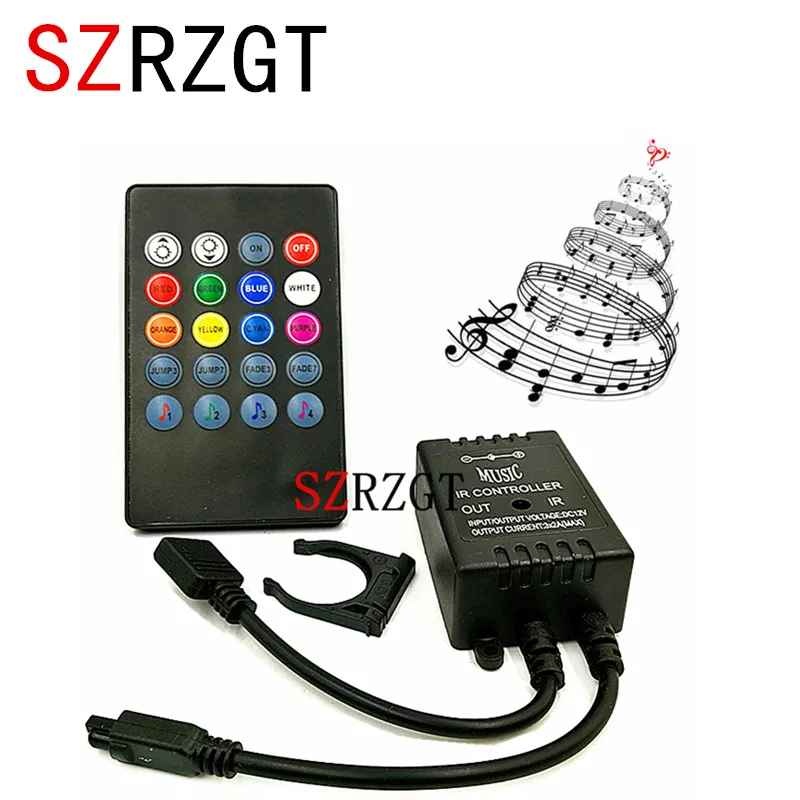
Новый 20 клавишный музыкальный ИК-контроллер черный датчик звука пульт
159,40 руб.

2 шт./Лот Мини RGB светодиодный Усилитель для 5050 3528 Светодиодная лента усилитель
75,54 руб. / набор

3CH DMX512 с RJ45 легко DMX RGB светодиодный декодер контроллер постоянного тока диммер
1 119,57 руб.

Фотоконтроллер постоянный ток 5 В/12 В 14 клавиш RGB 300 видов эффектов изменения для
533,35 руб.
Характеристики
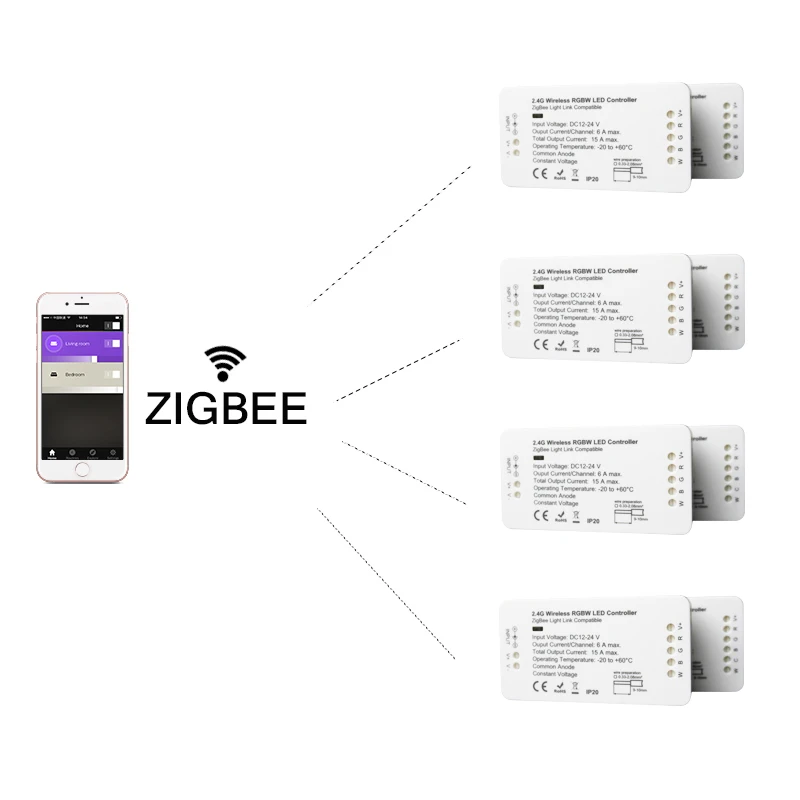
ZIGBEE ZLL Smart RGBW Controller DC12/24V APP control Dual white and color Color Brightness Adjustable for LED Strip | Лампы и
История изменения цены
*Текущая стоимость US $23.00 уже могла изменится. Что бы узнать актуальную цену и проверить наличие товара, нажмите "Добавить в корзину"
| Месяц | Минимальная цена | Макс. стоимость | Цена |
|---|---|---|---|
| Feb-20-2026 | 29.48 руб. | 30.74 руб. | 29.5 руб. |
| Jan-20-2026 | 24.70 руб. | 24.81 руб. | 24 руб. |
| Dec-20-2025 | 29.46 руб. | 30.14 руб. | 29.5 руб. |
| Nov-20-2025 | 29.79 руб. | 30.39 руб. | 29.5 руб. |
| Oct-20-2025 | 23.73 руб. | 23.25 руб. | 23 руб. |
| Sep-20-2025 | 28.67 руб. | 29.22 руб. | 28.5 руб. |
| Aug-20-2025 | 28.1 руб. | 29.29 руб. | 28.5 руб. |
| Jul-20-2025 | 28.22 руб. | 29.14 руб. | 28.5 руб. |
Описание товара


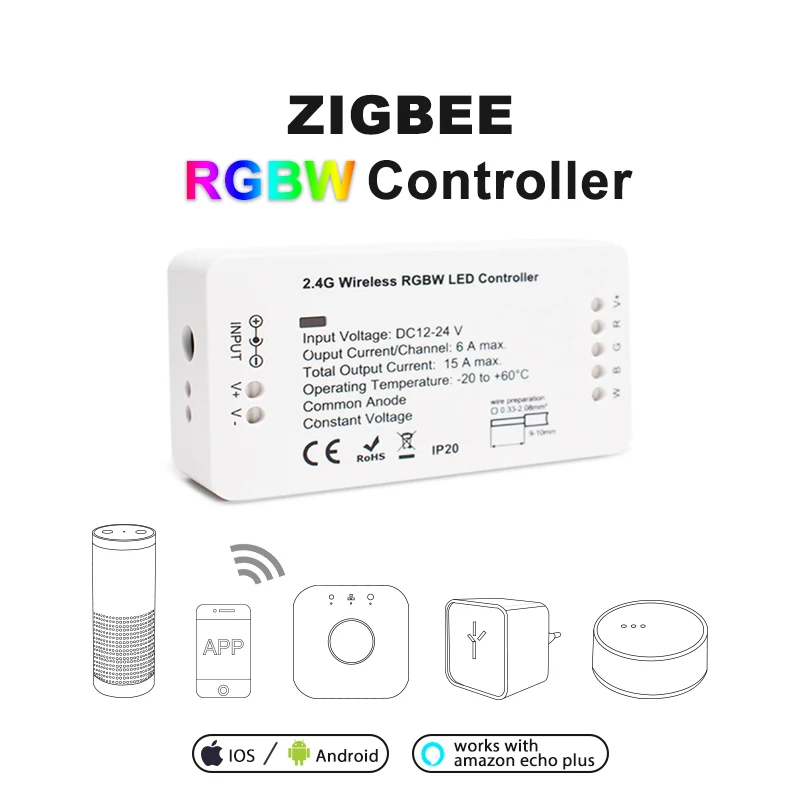
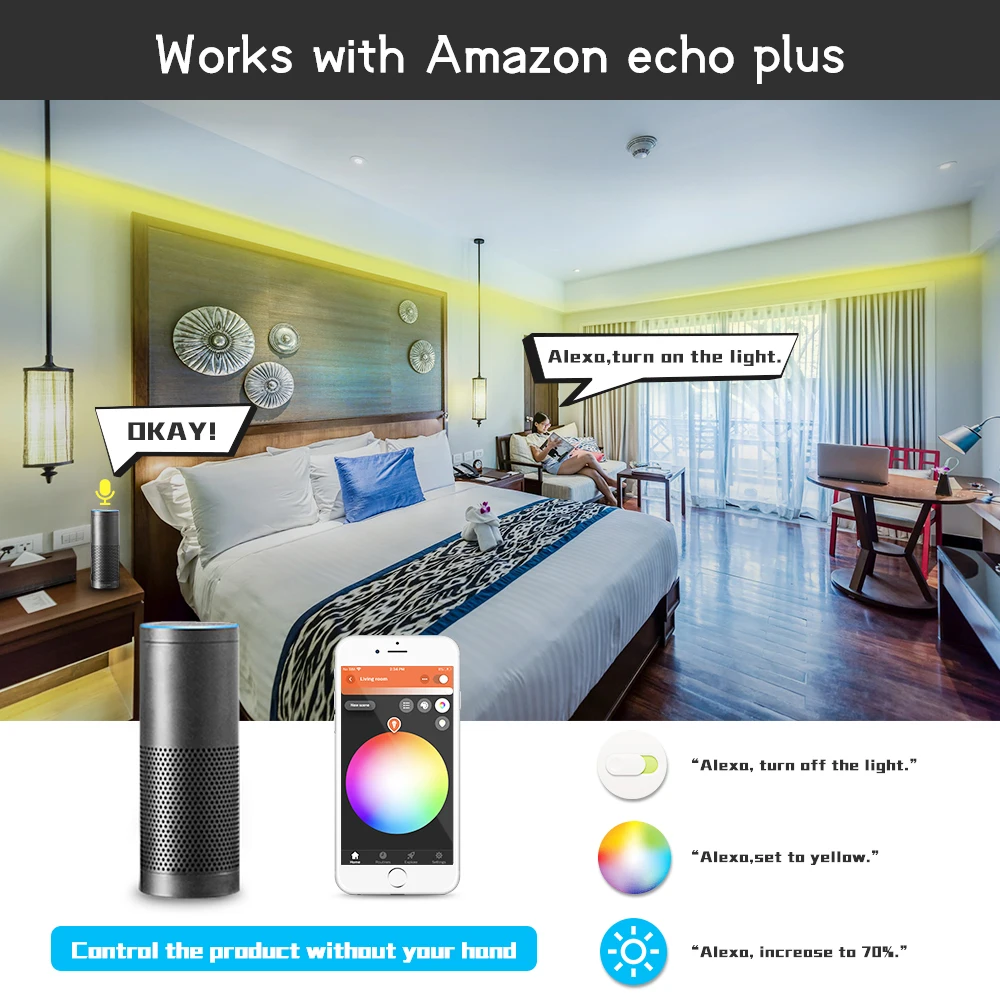
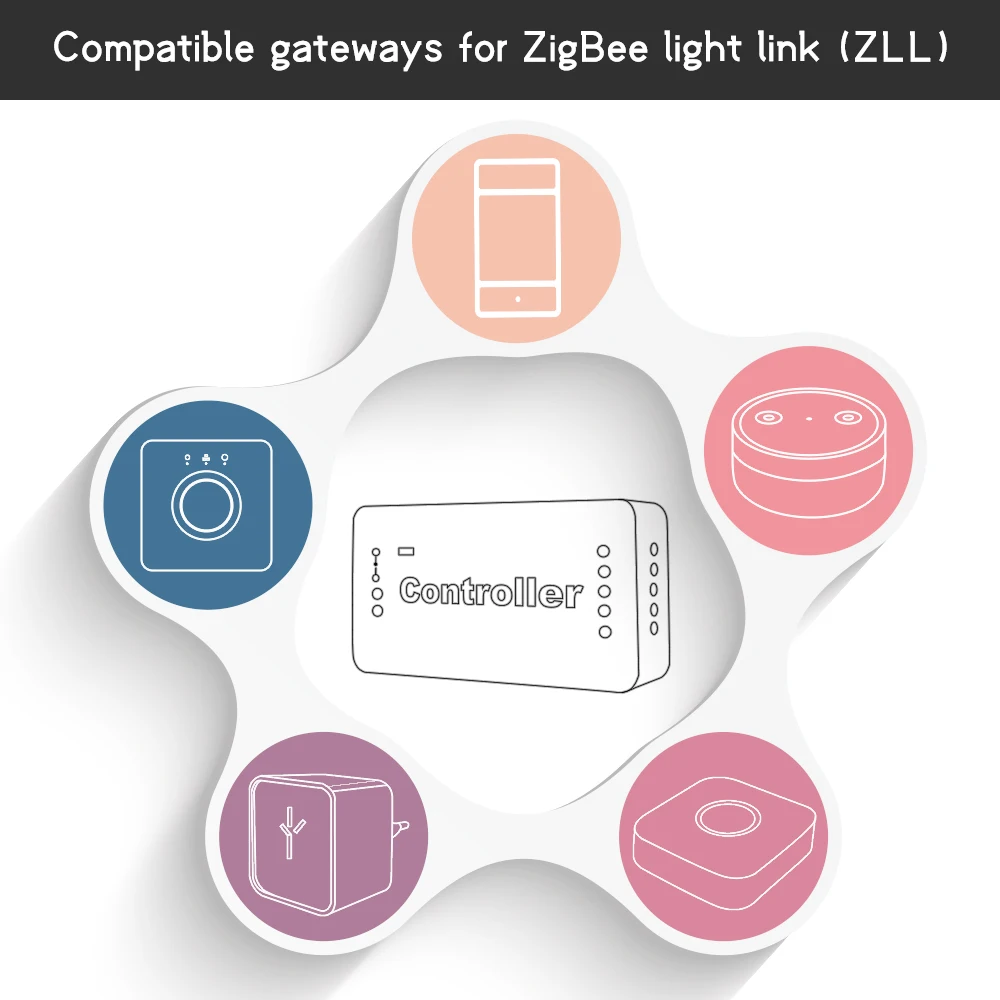
1.zigbee controller work with zigbee zll gateway likeAmazon ECHO Plus, H*U*E,O*sr*am,SmartThings, etc.(There are some compatibility issues with IK*E*A at present)
2.zigbee controller work with H*ome K*-I-T ://www.reddit.com/r/Gledopto/comments/amp3v9/i_wrote_a_little_guide_on_getting_the_gledopto/
3.Sync your lights with movies ,music, and games,Enjoy the lighting effect which synchronizes with the plot of the picture immediately,and experience the more delicate atmosphere lighting effect.
How to sync? please follow thiswebsite:http://www.screenbloom.com/
Sync Show results://youtu.be/zZjtJMy_774
● Wide Compatibility.
● RGB CCT Wirelessly dimmable.● 16 Millions of colors to choose.
● Voice control, Smartphone APP control.
Precautions:Pleaseconfirm your device support Zigbee Light Link or zigbee 3.0
RGBW/RGB+CCT Controller :1ID, will show 1ID in the APP; Easy to manage the lights. Can control theColor light (RGB) or white light separately.
RGBW/RGB+CCT Controller :2IDs,will show 2IDs in the App, work as 2 lights(RGB+White light). Color light (RGB) can work with white light together or separately.2IDs Controller only works with H*u*e.Q&A or more info, please go to://www.reddit.com/r/Gledopto/
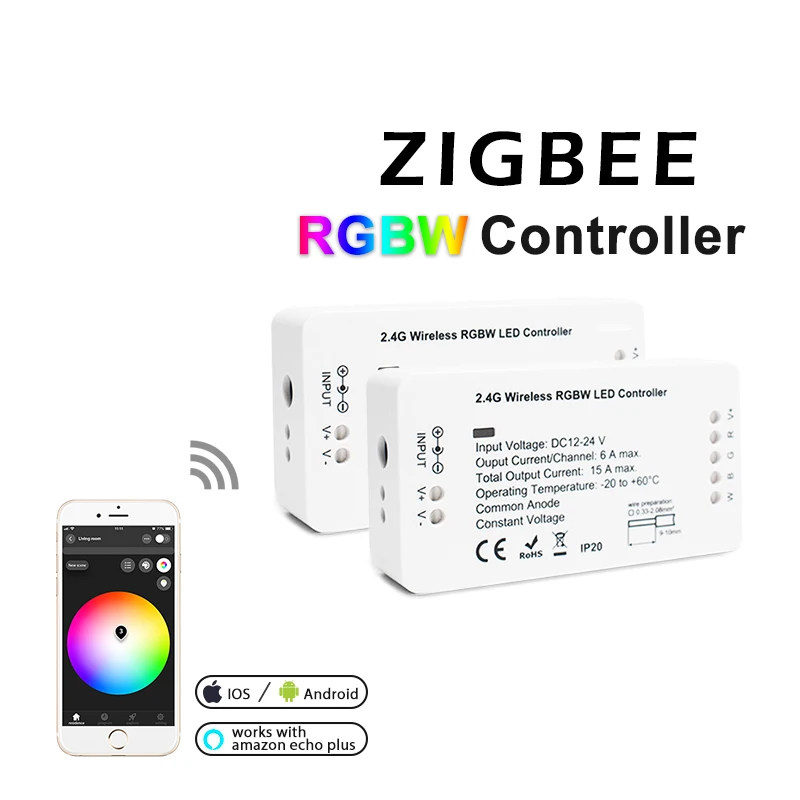
 Product Name:ZIGBEE RGBW Strip ControllerModel No.: AXM-C-007Voltage: DC12V-24VOutput: Max. 6A/Channel, Total output Max.15A
Size: 89*48*23.5mm
Operating Temperature:-20-60°

1pcs* ZIGBEE LED Controller(We have 1ID and 2ID for your choose)
1pcs* User Manual
1pcs* 3cmStricker


Thanks for buying our products.In this manual we will explain the connection of wires and the connection with a ZigBee LightLink Gateway.These devices works with many ZigBee Light Link GatewaysWire Connection:1. Please prepare the cable like picture P1 and strip the isolation to 9-10 mm. The cablecross-section must be between 0,33 and 2,08mm⊃2;(AWG22-14).2. Now push down the terminal with a screwdriver and put in the cable, see picture P2.3. Take the screwdriver away and the cable is connected with the terminal.On picture P3-P7 you can see examples for the connection of different LED controllers:- P3 for RGBW/RGBWW products- P4 for RGB products, use a RGBW controller and don’t connect the wire W- P5 for single color LED product, use a RGBW controller and don’t connect the wireR, G, B- P6 for RGB+CCT(warmwhite+coldwhite) products- P7 for CCT(warmwhite+coldwhite) productsConnection with Gateway:1. Connect the LED product to the controller see section “wire connection”.2. Start the device searching on the ZigBee Light Link Gateway, it could take some time.If the Gateway does not find the device, plug power off/on or make a reset.3. The Gateway found your device and you can assign it to the different rooms/zones/groups.4. Now you can use the device.Reset:1. Switch on your device.2. Now switch off and on within 2 seconds.3. Repeat off/on four times.4. Reset is done when the device is switched on in the fifth time and the light stays onafter blinking 4 times.
 *For RGBW/RGBWW devices you will find two SSIDs. One for white/warmwhite, the otherfor RGB.
Смотрите так же другие товары: