
kebidu 433MHZ Remote Control 2 Channel For Garage Gate Door Opener Clone Cloning Code Key Duplicator | Электроника
163,57 руб.

Новое поступление

Магазина SZBOX Store работает с 14.05.2018. его рейтинг составлет 94.2 баллов из 100. В избранное добавили 20003 покупателя. Средний рейтинг торваров продавца 4.8 в продаже представленно 246 наименований товаров, успешно доставлено 30012 заказов. 9559 покупателей оставили отзывы о продавце.
Характеристики
*Текущая стоимость 788,59 уже могла изменится. Что бы узнать актуальную цену и проверить наличие товара, нажмите "Добавить в корзину"
| Месяц | Минимальная цена | Макс. стоимость | Цена |
|---|---|---|---|
| Apr-16-2026 | 938.95 руб. | 985.81 руб. | 961.5 руб. |
| Mar-16-2026 | 930.60 руб. | 977.10 руб. | 953.5 руб. |
| Feb-16-2026 | 780.11 руб. | 819.1 руб. | 799.5 руб. |
| Jan-16-2026 | 914.93 руб. | 960.84 руб. | 937 руб. |
| Dec-16-2025 | 796.8 руб. | 836.28 руб. | 816 руб. |
| Nov-16-2025 | 898.18 руб. | 943.47 руб. | 920.5 руб. |
| Oct-16-2025 | 890.62 руб. | 935.23 руб. | 912.5 руб. |
| Sep-16-2025 | 883.29 руб. | 927.24 руб. | 905 руб. |
| Aug-16-2025 | 875.20 руб. | 919.70 руб. | 897 руб. |
Описание товара
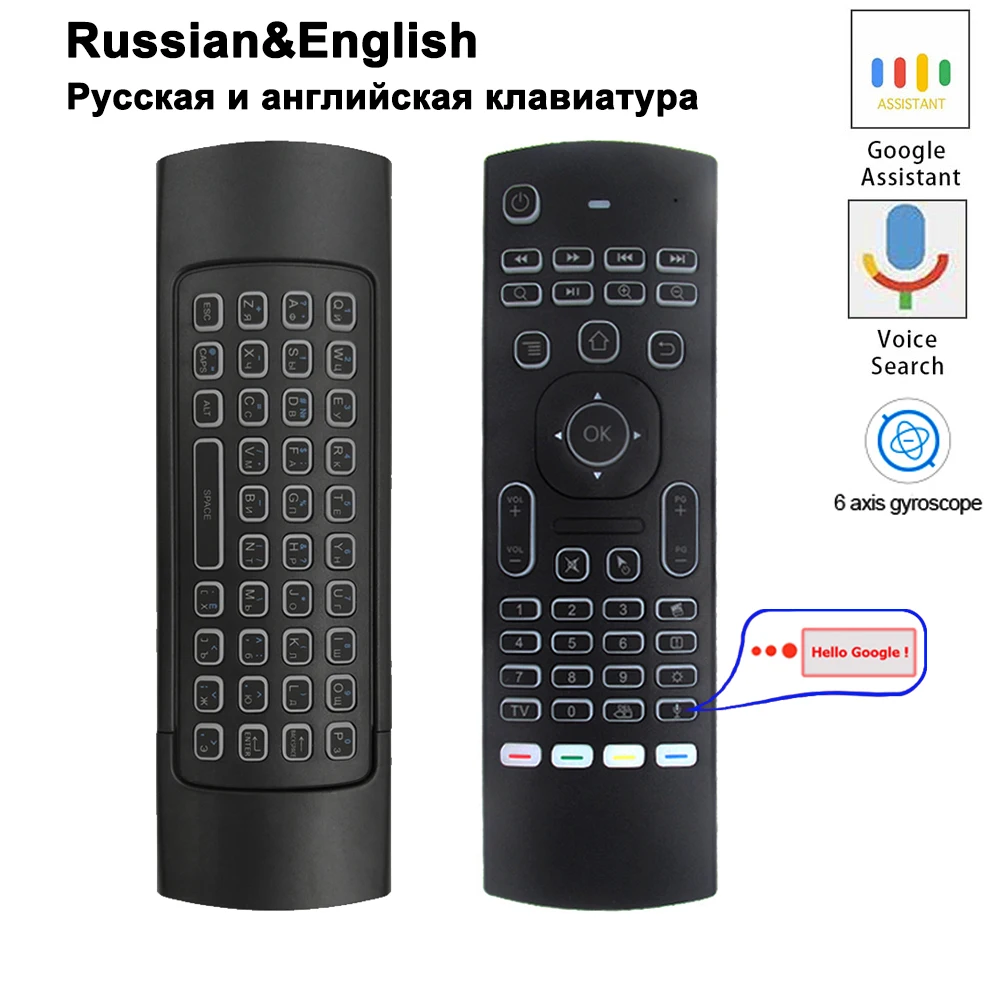
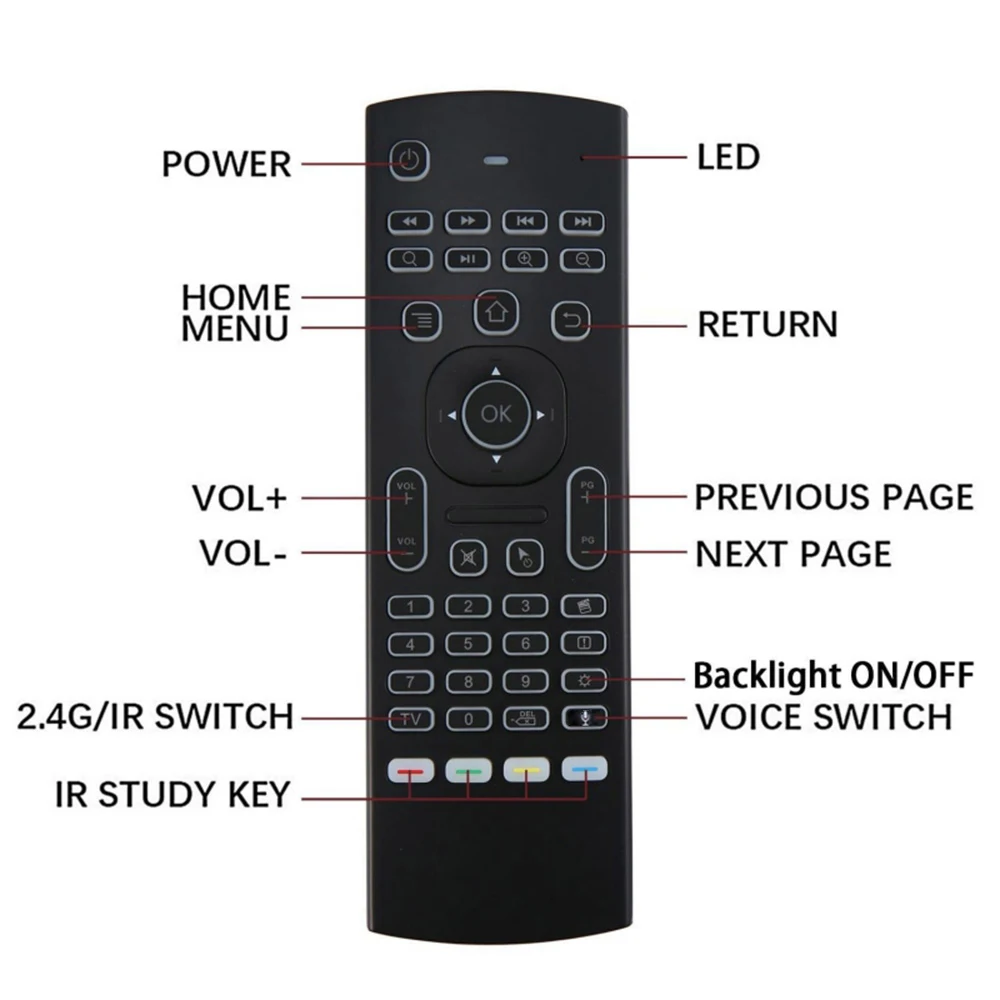
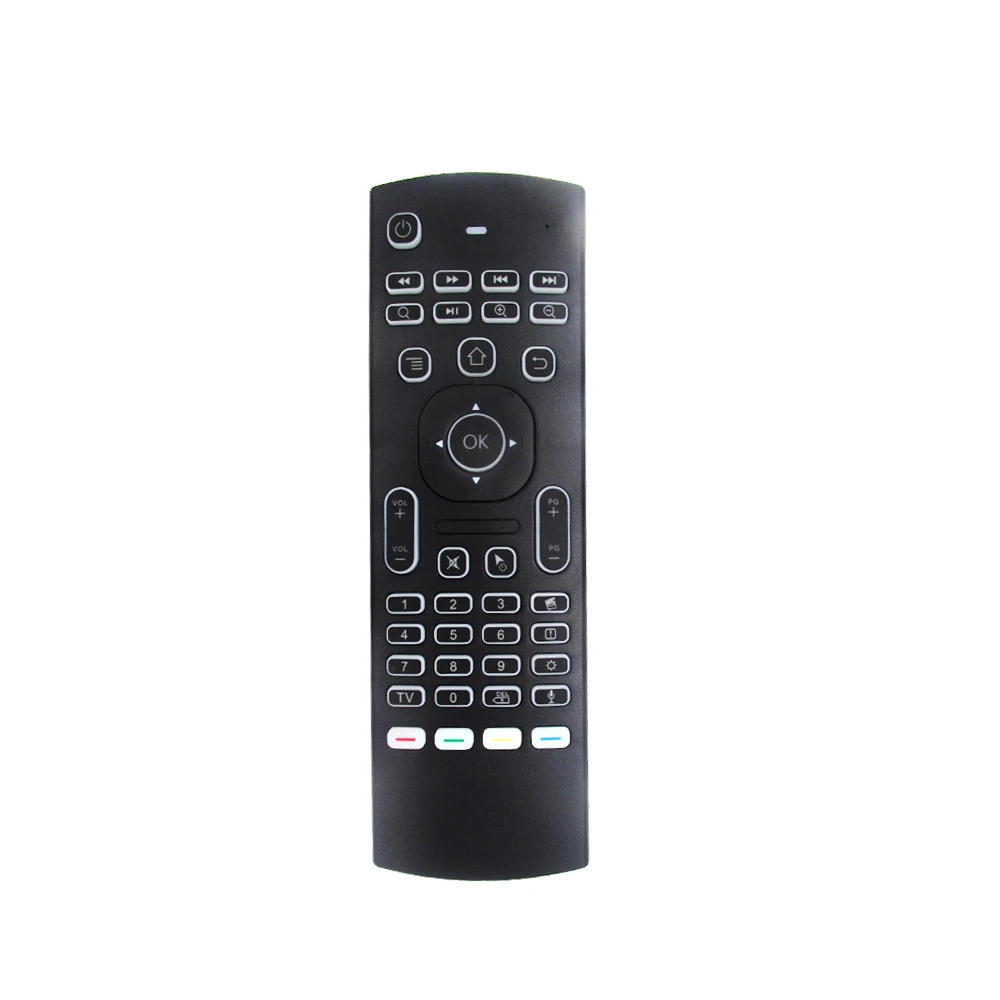
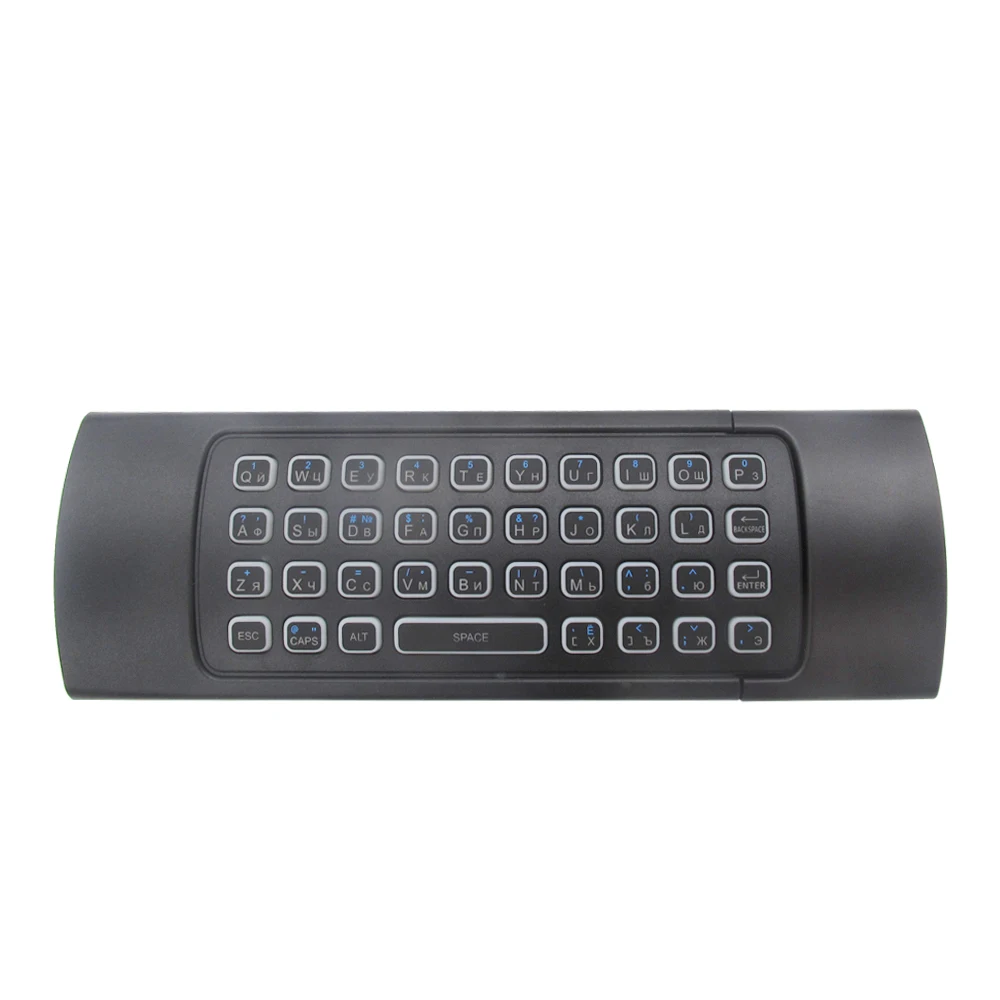
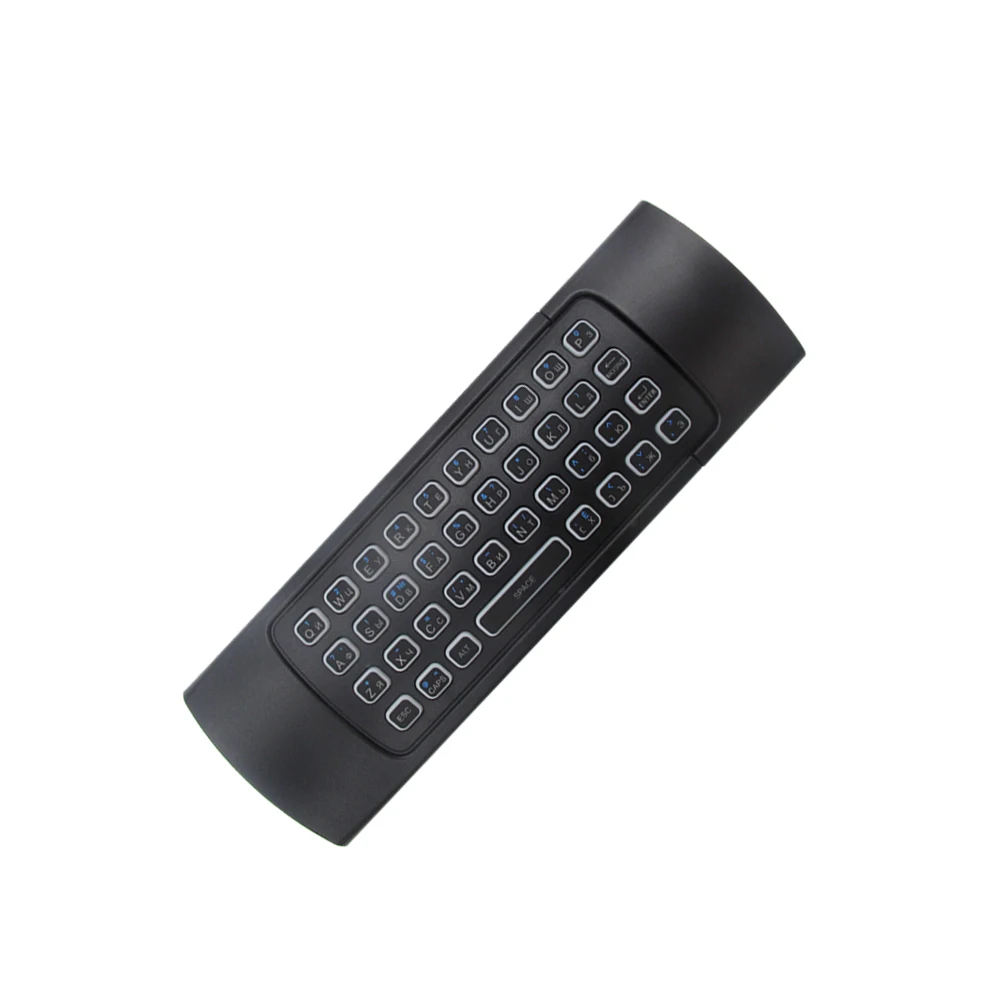
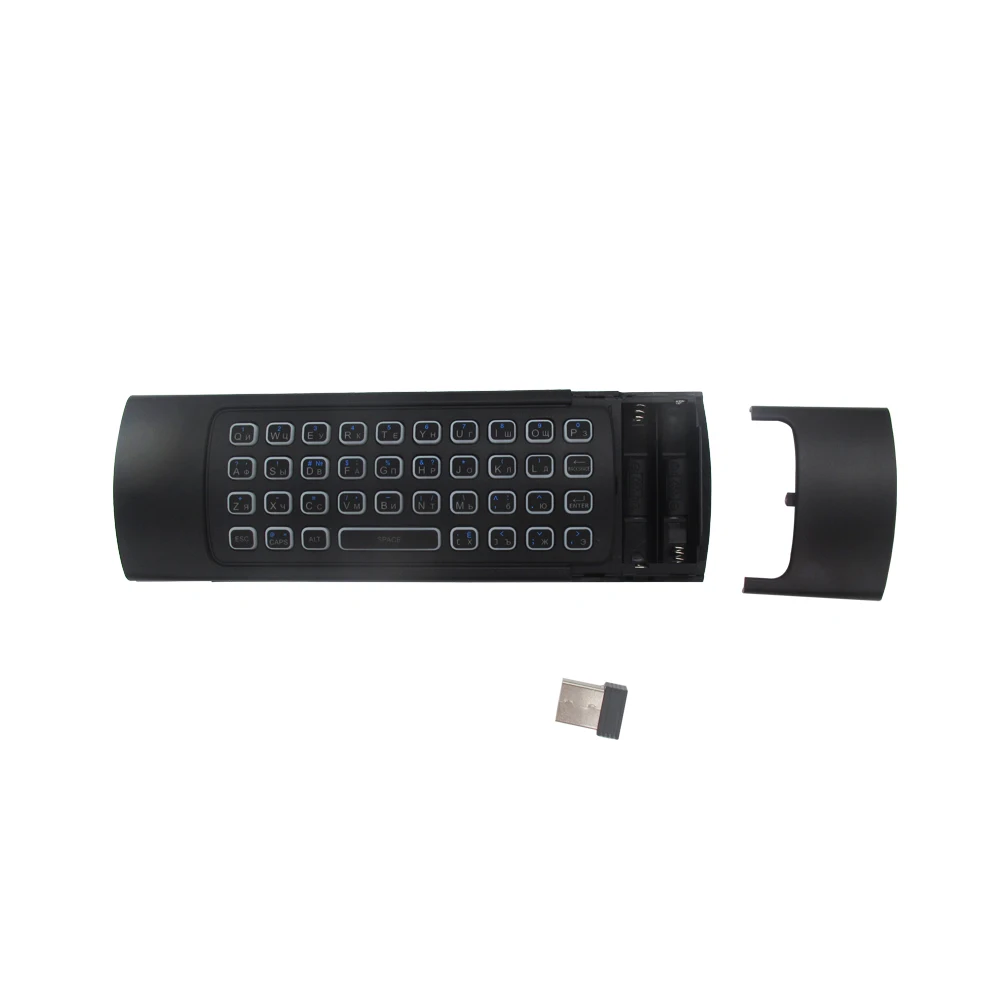
2.4G Wireless Backlit Air Mouse MX3 Remote Russian&English Language Keyboard Voice Remote Control for Android X96 HK1 H96 TV Box

NOTE1: This type of air mouse can't control the satellite channels.
NOTE2: Only 5 keys can be programmed.
NOTE3: This remote control is not suitable for Smart TV
If you use the Voice remote control on android tv box. Please install "google assistant"
When you want to use backlight function, please press the light button to turn on the backlight

Systerm Support
1. Android OS
2. Mac OS
3. Linux
4. Windows
IR learning function
There are 5 buttons which could be programmed to your TV remote keys:
1. Power button -Locate the top left corner
2. 4colors buttons-Locate the bottom
Note: Please check if your TV remote supports the NEC protocol for learning.
IR learning operation as the following steps
1. Pointing IR emitters of the TV remote and the air mouse to each other ,
2. Press and hold the TV key on the remote 4-5s until the LED flash slowly,
3. When you see the LED flashing slowly ,press the key on your TV remote to learn,
4. When the remote receiver the IR signal,the LED will be solid.
5. The 5 keys could learn following the step 1-4,
6. Press the TV button to finish the learning process.
Specification
1) Transmission and control: 2.4 G RF wireless radio-frequency technique;
2) Sensor: 3-Gyro + 3-Gsensor;
3) The key number:81 keys;
4) Control distance: >5m;
5) Battery Type: AAA*2(not included)
6) Working Power: Less than 10mA in the work condition;
7) Standby Power: Microampere, almost no power, in line with the
European "Energy star" environmental standard;
8) Material: Plastic and silicone;
9) Size: 172*52*19mm;
10) Weight: About 100g.
Package including
1 * MX3 air mouse
1 * USB Wireless Receiver
1 * User Manual
Caution!!!
Let's talk about IR learing, on the bottom of this keyboard have 4 IR learning keys. As some customer response to us it not works correctly. Kindly remind that if you have this problem, pls press TV + DEL key to reset the keyboard. And then follow the manual to use IR learning.


Смотрите так же другие товары:


